
Less admin. More connection.
Let us take care of the notes, so you can focus on the conversation.
 27001 accredited
  Partner Network
Magic Notes exceeded my expectations in terms of accuracy, speed and staff satisfaction. The feedback from our staff has been overwhelmingly positive.
Our Magic Notes pilot has seen enormous benefits for our frontline team, who get time back to focus on the most meaningful work.
Magic Notes has caused a real buzz. Our frontline staff told leadership, 'Please don't take it away' and our CEO's response was clear: 'We have to make it happen.'
Get started with Magic Notes
Book a demo Hit Record. Capture every detail in seconds.
Capture every detail with Magic Notes. Turn meetings into structured notes in seconds with AI. Skip hours of admin, and focus on the conversation.
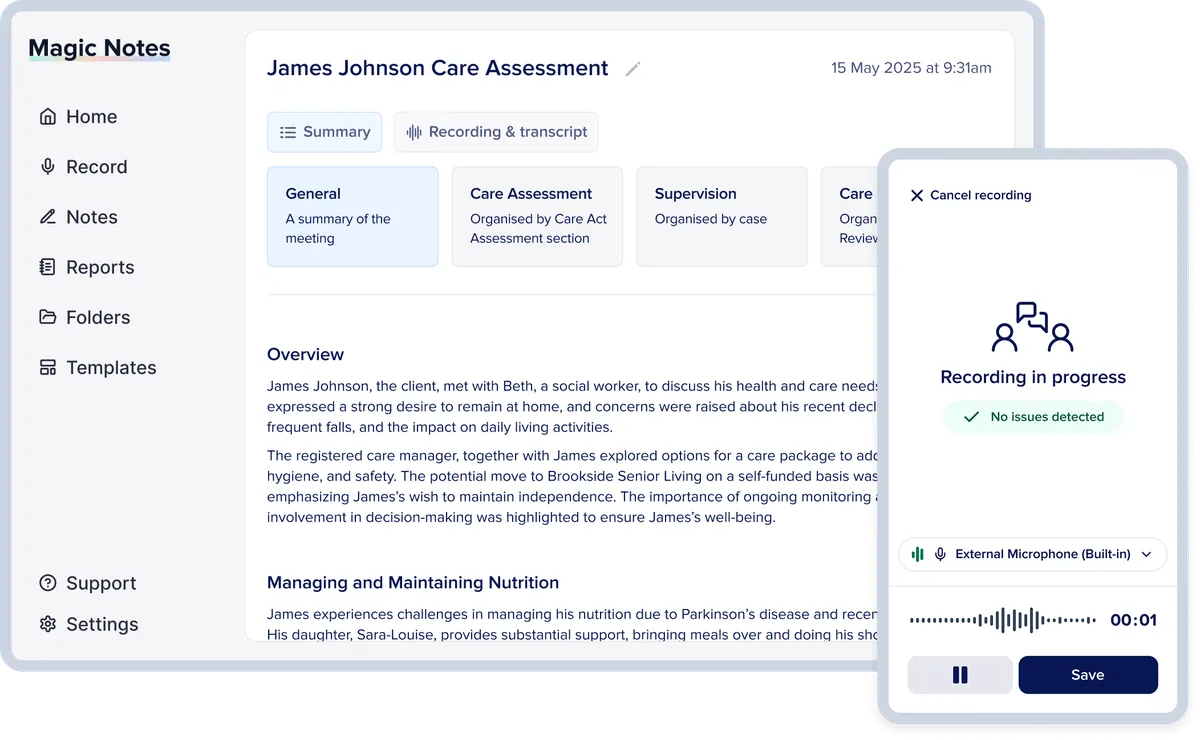
Designed by frontline teams, for frontline teams.

Save a day per week
Frontline teams save 8-10 hours of admin every single week - see both productivity and staff wellbeing improve.

High-quality, compliant notes
Detailed notes, fully tailored to your forms, style and tone with 90+ languages supported.

Focus on human connection
Spend less time writing notes and more time listening. Improve service quality with greater connection.

Protect sensitive data
Trusted by over 100 Local Authorities with government-grade security and compliance.
How it works
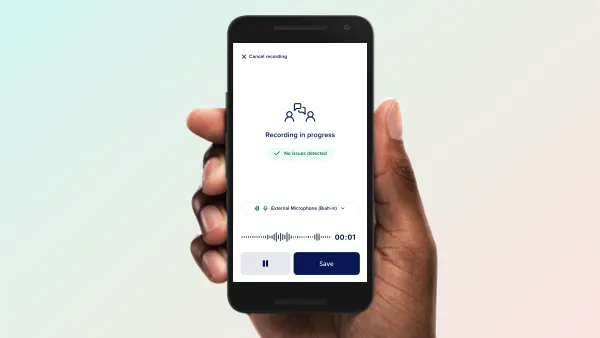
Record
Use Magic Notes on a mobile or laptop, in person or online meeting. Works offline or online - no fancy tech needed.
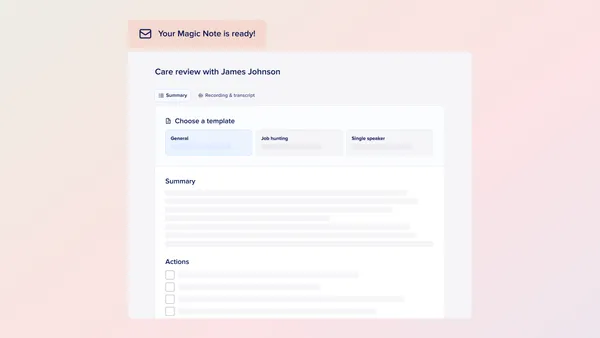
Review
Receive your summary, tailored to your templates and forms. Check key details using built-in citations and a transcript at your fingertips.
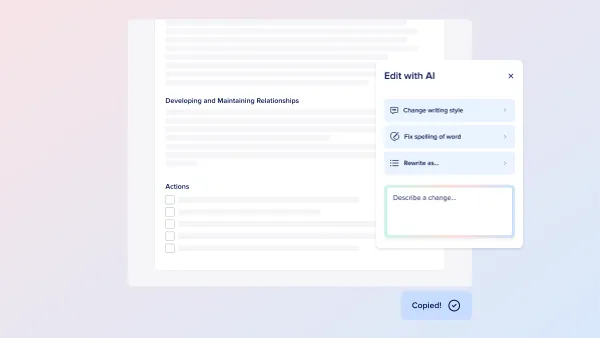
Customise
Use our AI tools to refine content or edit directly yourself. Copy and paste into any case management system that you use.
Technology you can trust

Gold standard data protection and compliance
Government grade security, trusted by 100+ Local Authority and NHS partners.
- ISO27001 accredited and GDPR compliant
- No data is stored by or used for training AI models
- All data is processed within the EU. All data is stored in the UK
- Set your own data retention policy

Built for frontline excellence
Our tools are designed for frontline teams, with:
- The latest AI models fully tested before being deployed safely
- Summaries continually evaluated and improved
- All templates customised to meet your standards
- Hands-on support included as standard
Get started with Magic Notes
Book a demoFAQs
Is Magic Notes an app?
Magic Notes is a web app, which means it runs in a web browser on any device. There is no need to download or install any software, and it works across Microsoft, Apple, and Android products.
It can even work offline, when you don't have an Internet connection.
What CMS and databases does Magic Notes work with?
You can use Magic Notes with any CMS or database.
Simply copy and paste the Magic Note into your existing system, without needing to change the setup.
What types of meetings can Magic Notes summarise?
We work directly with you to understand and map out your team's precise requirements. We can then customise the structure of our AI-generated summaries to match your needs. For example: Include sections with custom headings to match frequently used forms like Care Act Assessments.
How do you make sure the Magic Notes are accurate?
Magic Notes uses advanced transcription technology to capture key details. Users say it is more accurate than taking notes by hand. Both automated tools and human reviewers check the system regularly, helping improve the quality of draft notes over time.
Before adding a Magic Note to a CMS or database, users must review the content. A built-in citations feature makes this easy. This 'human in the loop' process ensures every Magic Note is carefully checked.
How does Magic Notes handle accents or other languages?
Magic Notes supports over 90 languages and has been tested extensively to make sure it works well with a range of accents. Users also have the option to edit names which might be spelt differently.
How long are Magic Notes kept for?
Organisations can set their own data retention periods, in line with their policies.
Do you need an internet connection to use Magic Notes?
No. Magic Notes works offline - simply log in whilst you have a connection and use the tool as normal. No data is saved to the device. Perfect for teams on the move!